
Real Stories, Real Savings: How DocuScrit Helped One HOA Cut Document Headaches in Half
- vaibhavk04
- Aug 11
- 4 min read
If you’ve ever volunteered on your HOA board, you know the pain: endless paper trails, emails lost in inboxes, contract folders that only “kind of” stay organized, and that frantic search for the right version of a bylaw when the pressure’s on. It’s enough to leave even the most dedicated board member feeling stuck in the past.
But what happens when an HOA says “enough,” and goes from paper (and digital chaos) to streamlined, AI-powered document management? Meet the Oakridge Villas Homeowners Association — a mid-sized, self-managed HOA that recently cut its document headaches in half using DocuScrit.
Let’s walk through their story — and see how smart document management isn’t just about convenience; it’s about real savings, collaboration, and peace of mind.
The Challenge: From Binders and Boxes to a Digital Mess
Oakridge Villas isn’t unique. When board president Maria Jacobson took the reins, she inherited:
Filing cabinets stuffed with paper contracts and meeting minutes
Years of receipts, legal correspondence, and community notices
Multiple Google Drives and Dropbox folders (with confusing permissions and duplicate files)
Board members using personal email addresses to manage HOA business
“I felt like half my time was spent tracking down documents,” says Maria. “Every new request from a resident, vendor, or attorney meant a scavenger hunt. And when board members turned over, things often just disappeared.”
The fallout? Lost invoices, late compliance filings, frustrated volunteers, and confusion around key documents. Not to mention, the lingering anxiety that something important would get missed — and cost the HOA money.
Why DocuScrit?
Maria and her board researched several solutions before settling on DocuScrit. Here’s what drew them in:
An AI-driven search engine that could “read” scanned PDFs and handwritten notes
Centralized storage with bank-grade security (no more shared personal logins)
Role-based permissions so only the right people could access confidential files
Flexible folder structure for quick onboarding and easy transition
Automated reminders for expiring contracts and key compliance dates
Quick, simple onboarding — no tech degree required
“It promised to make everything findable — even if we’d forgotten the file name,” Maria recalls. “And the DocuScrit team made us feel like we weren’t tackling this alone.”

The Transformation: Step-by-Step
1. Migration (with a Human Touch)
DocuScrit’s onboarding team worked directly with Oakridge Villas to scan in old paper files, organize them by category (financials, legal, projects, maintenance, and communications), and purge duplicates. Digital files from Google Drive and Dropbox were imported and sorted — no time-consuming manual drag and drop.
Board members and the property manager were trained in less than an hour. The easy search bar quickly became a board favorite.
2. Automation in Action
The real savings came from DocuScrit’s workflow automations:
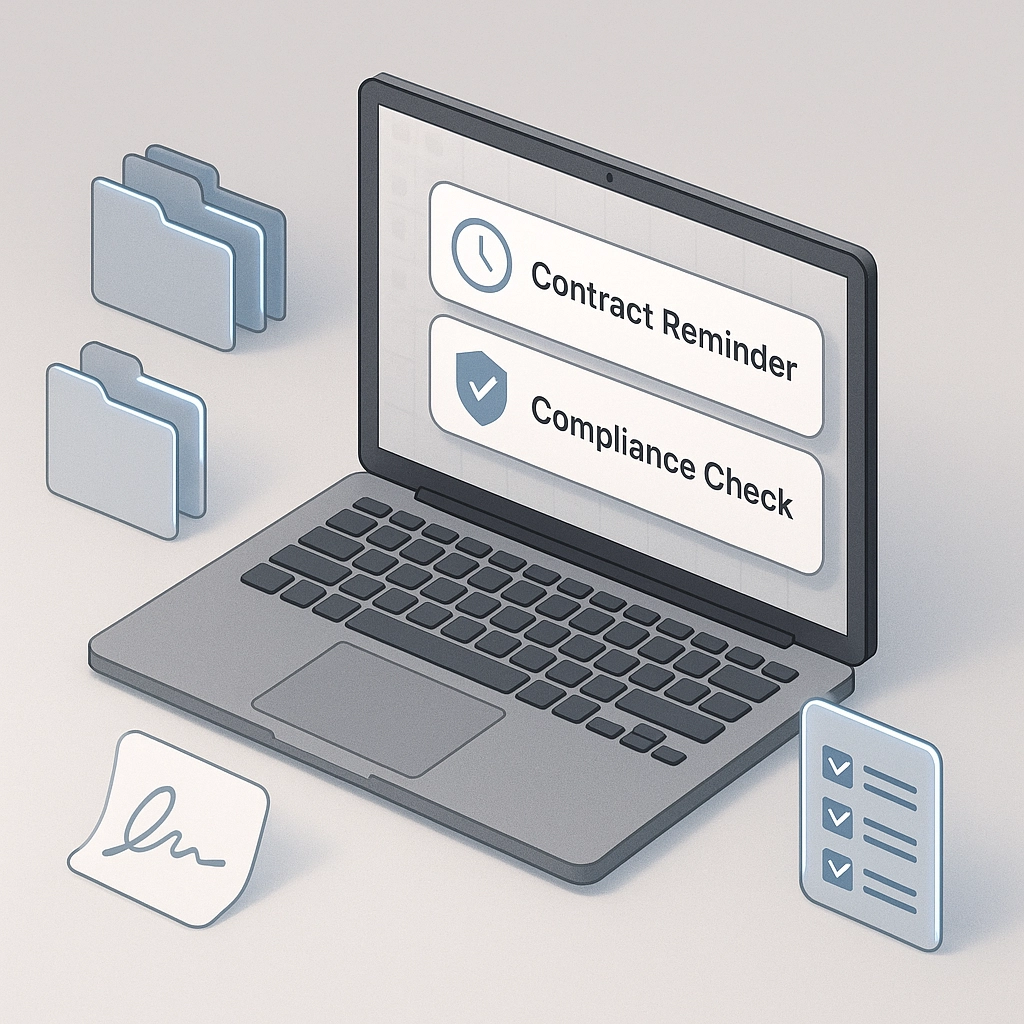
Automated Notifications: Expiring vendor contracts triggered reminders, so the board was never caught off guard.
Compliance Checklists: DocuScrit flagged missing documents (like annual financial reviews), keeping the board audit-ready.
E-Signature Integrations: No more chasing people for signatures. The board could execute agreements right within the platform.
“Seeing overdue tasks and missing files at a glance — it’s so much less stressful,” said Oakridge treasurer, Doug Lin.
3. Secure, On-Demand Access
With DocuScrit, board members and approved residents became “self-serve”:
Residents submit architectural change requests through the platform, with all documents tracked and stored in the right place.
Board packets for meetings are auto-assembled and distributed securely — no more “Did everyone get the email?” panic.
And if a board member steps down, the transition is seamless. All files, notes, and contacts stay within the system, not scattered in personal inboxes.
The Results: Real Savings and Happier Volunteers
Six months after adopting DocuScrit, Oakridge Villas conducted a board survey and crunched some numbers.
Here’s what they found:
Time saved per month: an average of 12 hours collectively for board members, mostly from faster document retrieval.
Reduction in late fees: $950 saved in six months — no more missed deadlines for insurance and taxes.
Zero lost files: Every document uploaded or scanned since rollout is retrievable instantly and securely.
Lower volunteer turnover: With less busywork and frustration, more board members are sticking around.
As Maria puts it, “We’re not worried about the paper trail anymore. We’re focused on serving our community.”
Beyond the Basics: Growing with DocuScrit
Now, Oakridge is exploring advanced features:
AI-powered insights to identify trends in work orders and resident requests
Secure sharing of select documents (like CC&Rs) publicly via the HOA website
Maintaining a digital “board onboarding kit” to speed up new member orientation
The possibilities are growing with their needs. And DocuScrit’s support is just a message away.

Why Modern Document Management Is a Game Changer for HOAs
Oakridge Villas isn’t alone. Across the country, HOAs face similar headaches with document control, transparency, and retention. Moving to a digital, automated system brings big-picture benefits:
Organization: Instantly locate any file, from vendor bids to board minutes, in seconds.
Efficiency: Streamline communication and task tracking — everything has a home.
Security: No more lost paperwork or unauthorized access to sensitive records.
Compliance: Stay audit-ready and never miss a critical renewal.
Volunteer Satisfaction: Less grunt work equals happier (and longer-serving) board members.
With tools like DocuScrit, HOAs can spend less time shuffling paper and more time building better communities.
Ready to Ditch the Headaches?
If Oakridge Villas’ story sounds familiar — or like your HOA’s current situation — it might be time to check out what DocuScrit can do for you. Explore features, see a demo, or connect with our team to learn more at DocuScritHub.com.
You might just find your HOA’s most valuable document is the one that gets you organized, compliant, and free from paper chaos — for good.
Comments